1
Add the image
Take a photo, pick one from your camera roll, or upload an image from your computer. Caught too much background? Drag two corners to trim it right there.
DailyPopup is for the stuff that changes today — specials, class schedules, flyers, holiday hours, live music, and quick announcements. Add a photo, choose how long it runs, and it shows on your website as a popup.
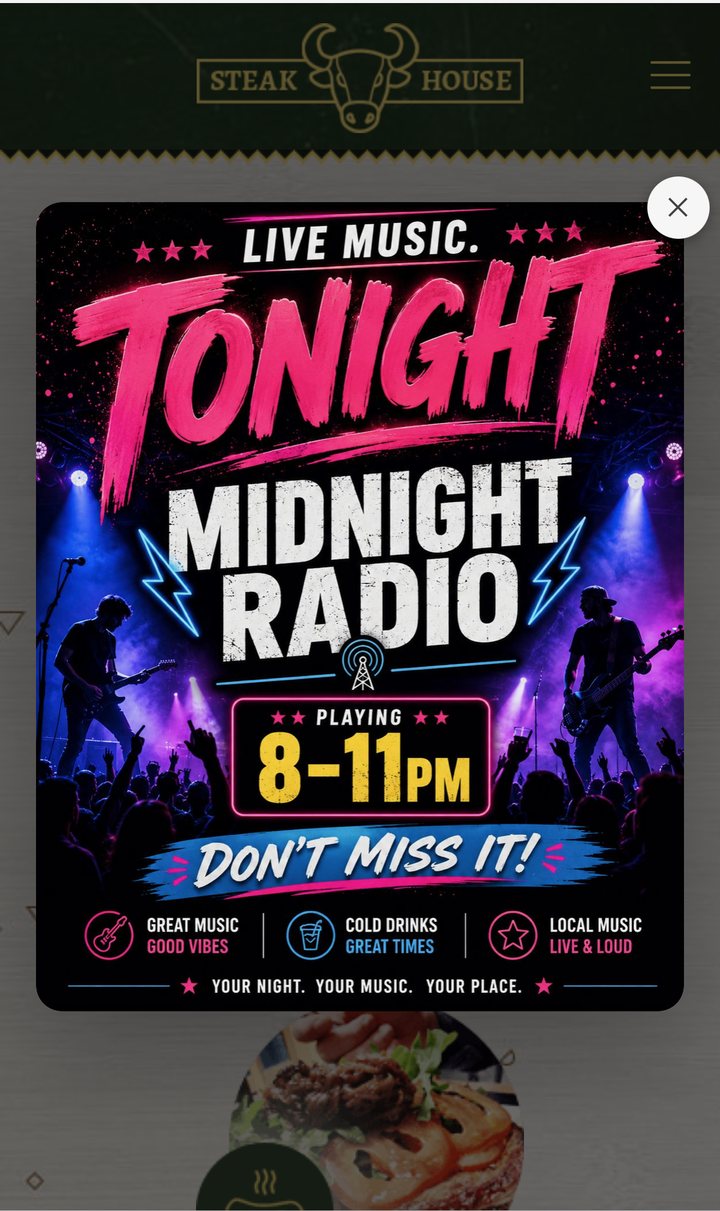
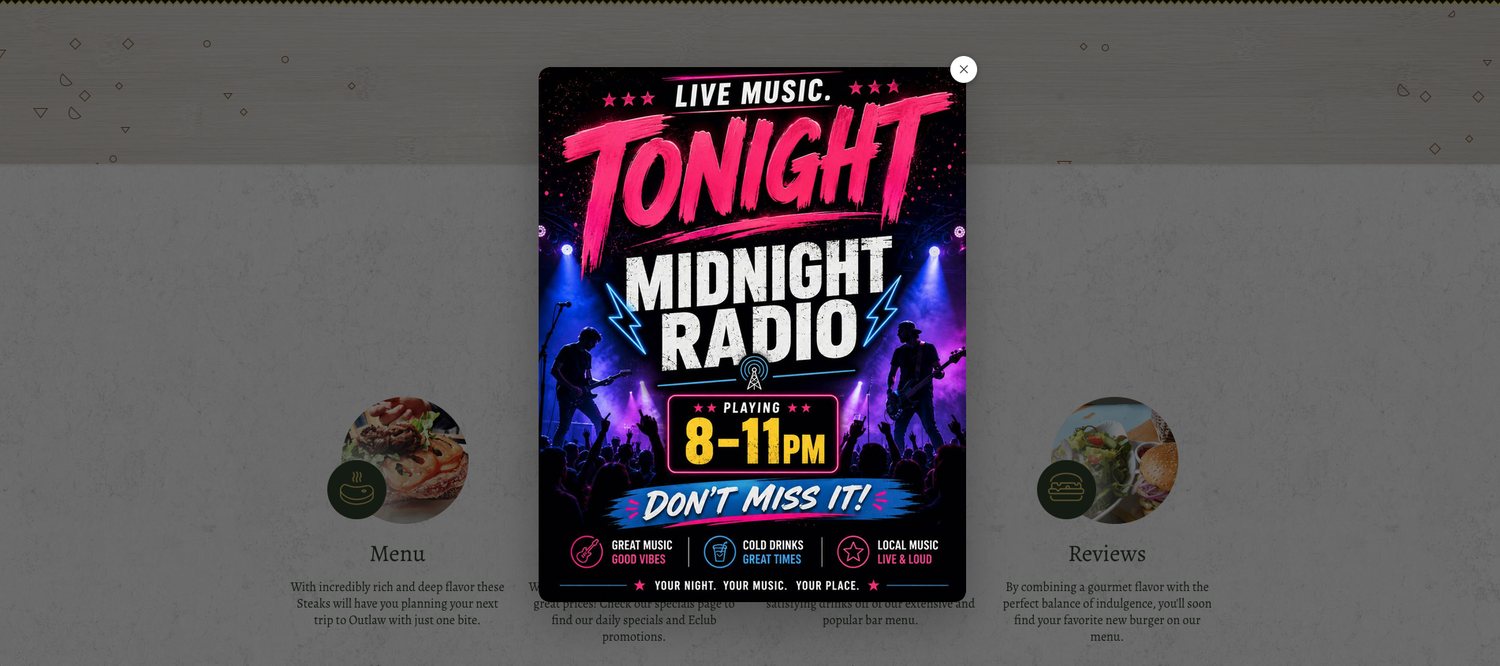
The same popup, sized automatically for whatever screen shows up.
This is the only website part. After it's installed, updates happen inside DailyPopup.
Paste one script into Squarespace, Wix, WordPress, a custom site — almost any site that allows a small embed.
Step-by-step guides: Squarespace, Wix, WordPress.
Rather not touch it? Choose the done-for-you setup and we'll install it for you.
<script src="https://dailypopup.com/embed.js"
  data-dailypopup="YOUR-KEY" async></script>
That's it. Owners and approved staff can publish without ever logging into the website.
Use DailyPopup from a phone when you're on the floor, or from a computer when you're in the office.
Take a photo, pick one from your camera roll, or upload an image from your computer. Caught too much background? Drag two corners to trim it right there.
A few hours, today only, the weekend — anything up to 30 days. You'll preview exactly how it looks on your site first.
It's live on your website immediately. When the time is up, it comes down automatically and the photo is deleted.
No cuts, sped up 2× — from photo to live on the website in about a minute of real time.
Snap the specials board, trim it, publish.
Upload the flyer you already have, pick the hours, publish.
These are real examples of the popup running on a working website.
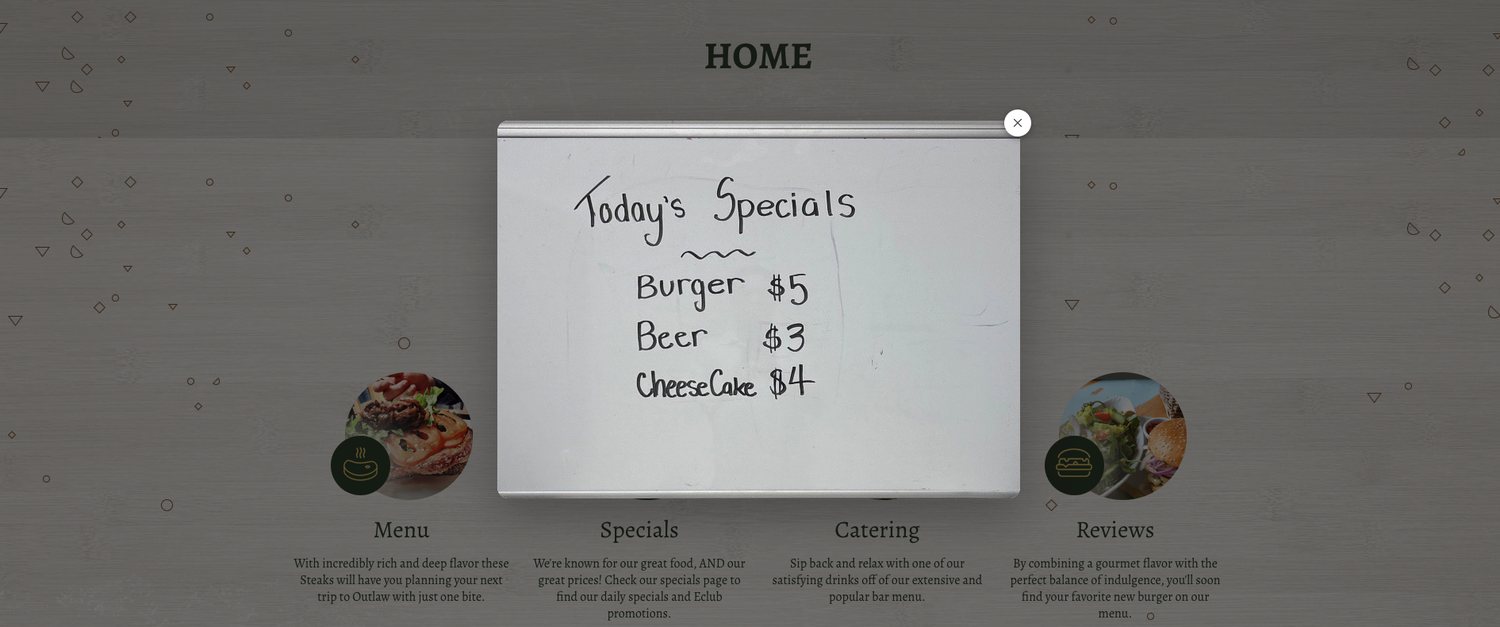
A whiteboard, chalkboard, menu insert, or quick photo from the kitchen can become the first thing visitors see.
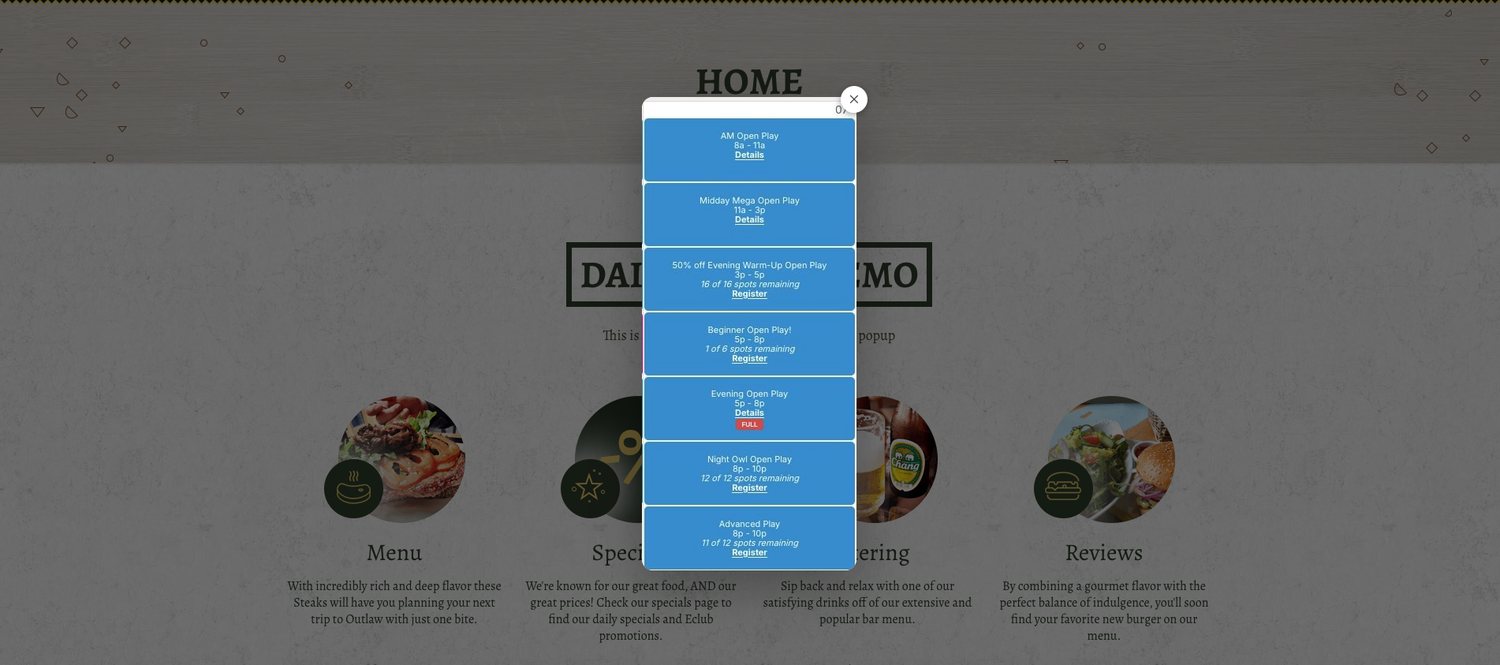
Gyms, clubs, studios, and courts can post today's calendar without rebuilding a schedule page.
Upload a flyer and let it run until the event starts, then disappear on its own.
Snap it at the counter, or upload the file you already have — either way it's the same popup on the same site, seconds later.
Take a picture of the specials board, class schedule, or printed flyer and publish it from the floor.
Upload a designed flyer, downloaded schedule, menu image, or announcement from the office.
DailyPopup gives local businesses a fast way to show today's update without turning every change into a website project.
Free 10-day trial — no card required.