1.
Photograph the board
The whiteboard grid, a printed schedule, or a flyer already on your computer. Drag two corners to trim the extra background.
The six o'clock class moved. The instructor called out. Open play is full. Your website still shows last week's grid, so the front desk answers the same question forty times.
Photograph the whiteboard, pick how long it runs, and it's on your site as a popup. When the day's over, it takes itself down.
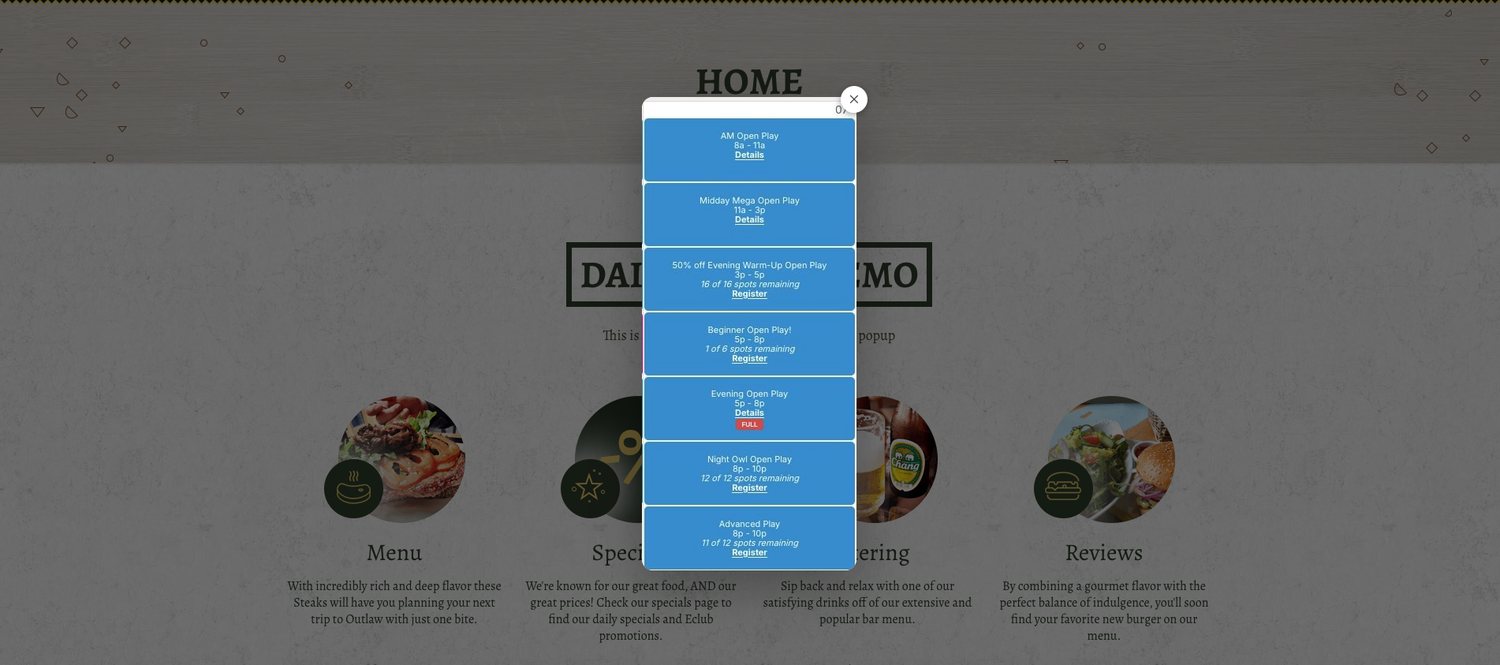
Anything a member would text the front desk about belongs on the homepage today.
One snippet goes on your site once. After that, everything happens from a phone at the desk.
The whiteboard grid, a printed schedule, or a flyer already on your computer. Drag two corners to trim the extra background.
This morning, today only, the whole weekend — anything up to 30 days. Preview it before it goes live.
Members see a clean popup. When the timer ends it comes down automatically and the photo is deleted.
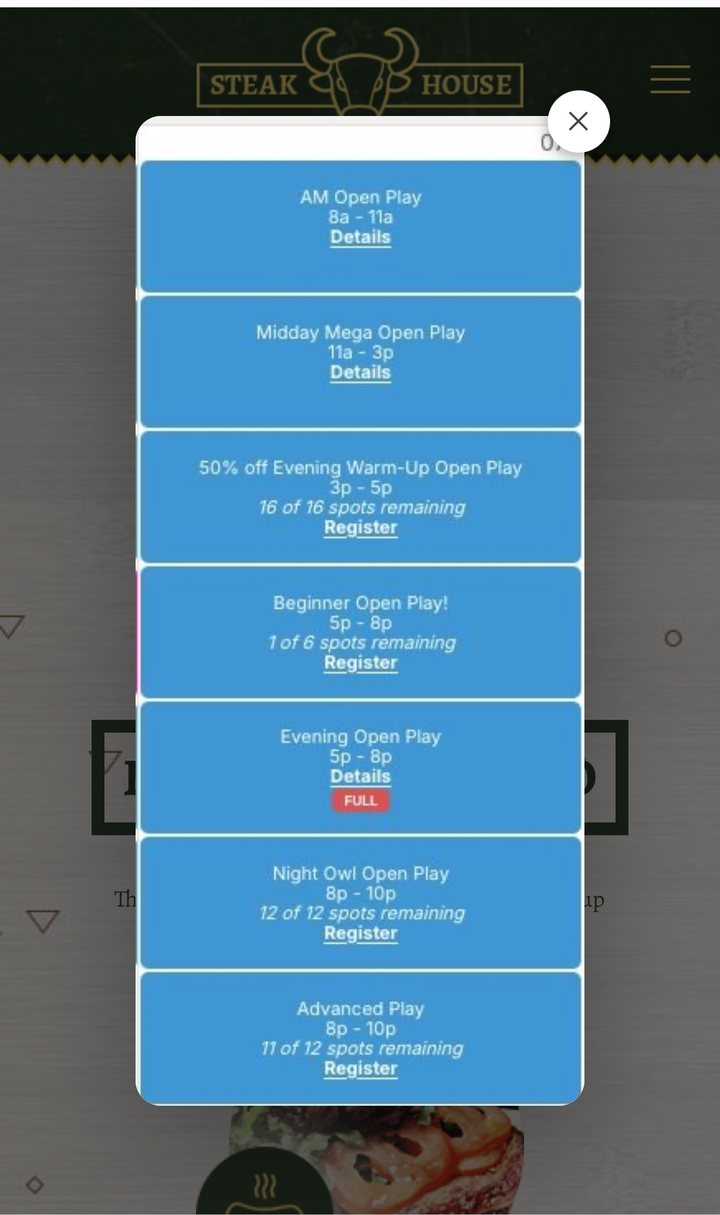
The same popup, sized automatically for whatever screen a member is on.
No. Members still book where they always have. DailyPopup shows a photo of today's schedule or announcement on your website so people see it before they go looking. There's nothing to integrate and no system to sync.
Yes. Invite them by email and they publish from their own phones. They never see billing or settings, and one tap removes their access if someone leaves.
About a minute. Photograph the whiteboard or type it on a sheet, upload it, choose how long it runs, and publish. It's live immediately and comes down when the timer ends.
Each location gets its own snippet and its own staff under one login. You see everything; each location's team sees only their own schedule. See pricing.
Any platform that allows a small embed — Squarespace, Wix, WordPress, Shopify, or a custom site. Follow the Squarespace, Wix, or WordPress guide, or let us install it for you.
Upload one photo, pick when it should run, and see exactly how it will look on your gym's website.